Visual driving instruction simulator
Roadz
Teach driving visually.
Visual driving instruction for iPad and iPhone. Build realistic road scenarios, demonstrate hazards and manoeuvres, and save lessons for future use. Designed for driving instructors. Works offline with no account required.
About Roadz
Roadz is a visual teaching tool that helps driving instructors explain road situations clearly and consistently. Instead of relying on sketches or verbal explanations, instructors can build realistic road layouts on an interactive canvas, place vehicles and road furniture, and demonstrate exactly what should happen and why.
Designed for use in the classroom or during lessons, Roadz makes complex situations easier for learners to understand.
How It Works
Roadz is an interactive driving instruction simulator built specifically for driving instructors and their students. It allows instructors to create realistic road scenarios on screen, making it easier to explain junctions, roundabouts, hazards, positioning, priorities, and manoeuvres.
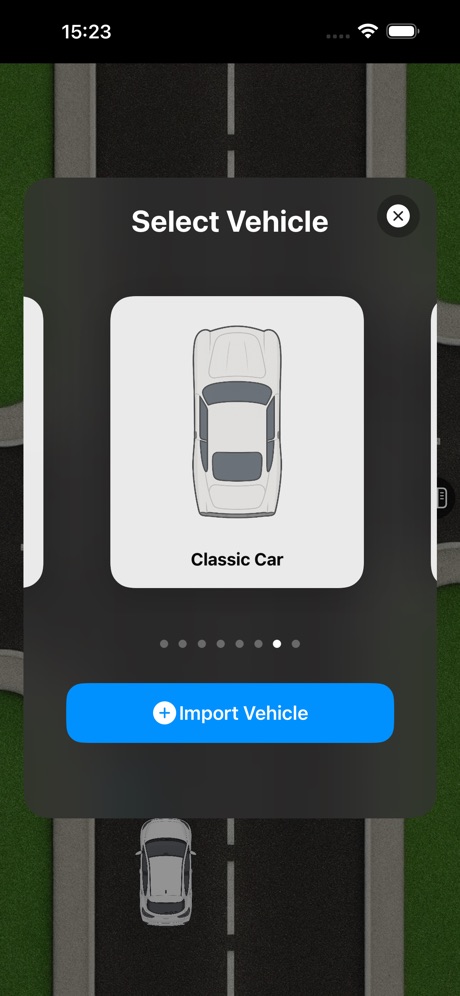
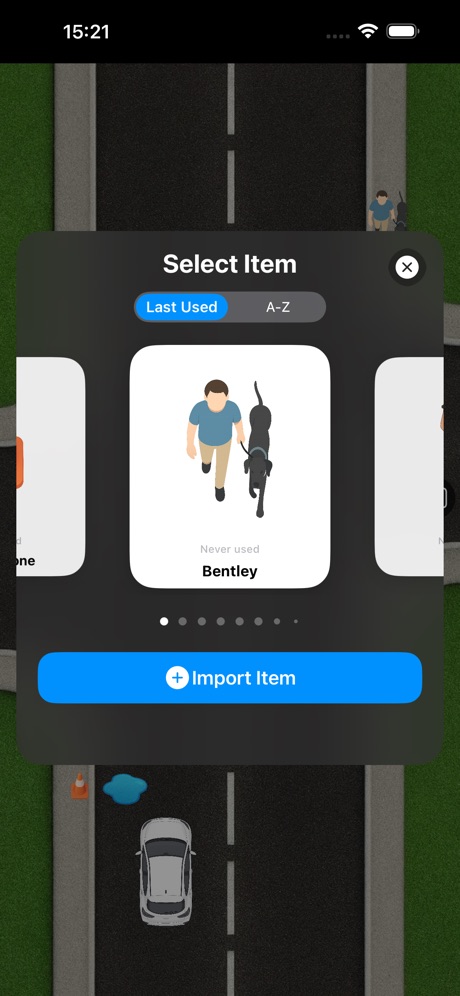
Vehicles, signs and road furniture can be placed onto a range of road layouts using simple touch controls. Objects can be moved, rotated and grouped, while vehicles support left, right and hazard indicators. Smart rotation automatically aligns vehicles with the direction they are moved, allowing scenes to be created quickly.
Track Mode allows instructors to draw a route for any vehicle and play it back with adjustable speed, looping and pause controls. This makes it ideal for demonstrating approach lines, lane discipline, overtaking, roundabout navigation and other dynamic situations that are difficult to explain using static diagrams.
Scenarios can be saved and reopened at any time, allowing instructors to build a personal teaching library. Screenshots can be exported for lesson notes or student handouts, while built-in drawing tools provide quick annotations using a finger or Apple Pencil.
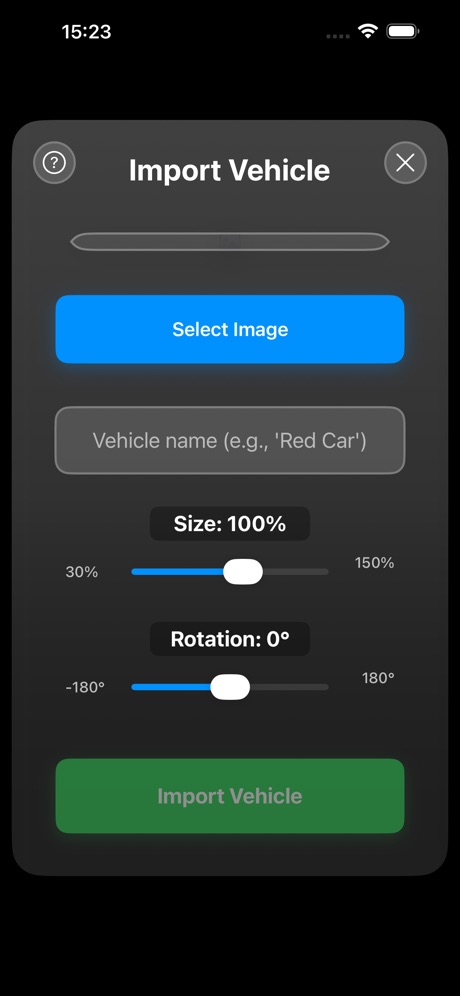
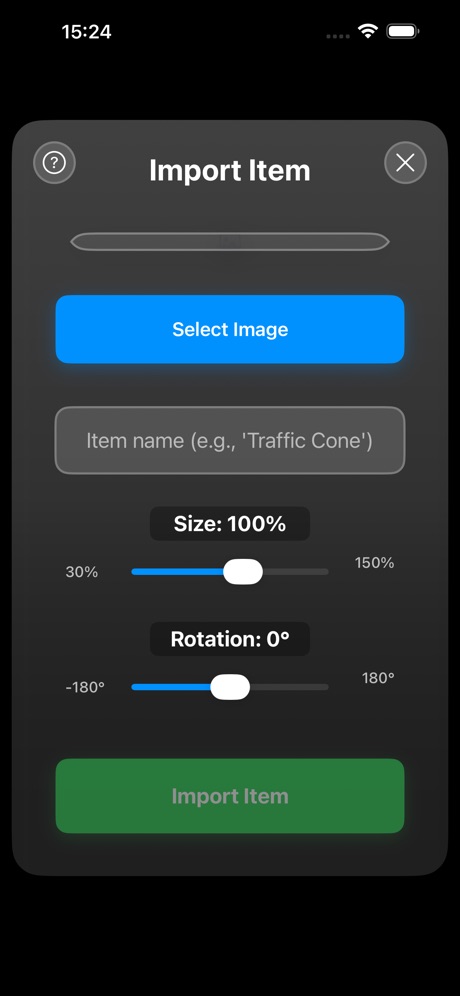
Roadz stores everything locally on the device. No account is required, and all core features work without an internet connection. Premium features include support for importing custom vehicles, road layouts and additional teaching assets.
At a Glance
Category
Education • Driving • iOS
Platform
iPadOS & iOS
Audience
Approved Driving Instructors (ADIs), driving schools and learner drivers
Availability
Offline-first
Accounts
No account required
Privacy
All data stored locally
Features
Visual road scenarios
Build lessons using vehicles, signs and road furniture across a variety of road layouts.
Natural touch controls
Drag, rotate, duplicate and arrange objects with intuitive multi-touch gestures.
Vehicle indicators
Demonstrate left, right and hazard lights during lessons.
Track Mode
Draw vehicle paths and replay them with adjustable speed and looping.
Scenario library
Save, organise and reuse teaching scenarios.
Screenshots
Export scenes for lesson notes and student handouts.
Drawing tools
Annotate scenarios with multiple colours and brush sizes. Apple Pencil supported.
Offline first
No login required. Core features work entirely offline.
Privacy by design
All scenarios remain stored on your own device.
Premium features
Import custom vehicles, road layouts and additional teaching assets.